First we need to understand what cookies are and how they work:
Cookies are small pieces of data stored by websites in your browser to remember who you are—things like login sessions, preferences, and authentication state. While they’re essential for modern web apps, cookies can also be dangerous because anyone who obtains a valid session cookie may be able to impersonate the user without knowing their password. This is known as session hijacking. Because cookies often act as temporary “keys” to an account, understanding how they work, where they’re valid, and whether they still grant access is critical for security research, incident response, and personal data protection. Tools that analyze cookie behavior help people recognize the real-world risks of leaked or stolen session data.
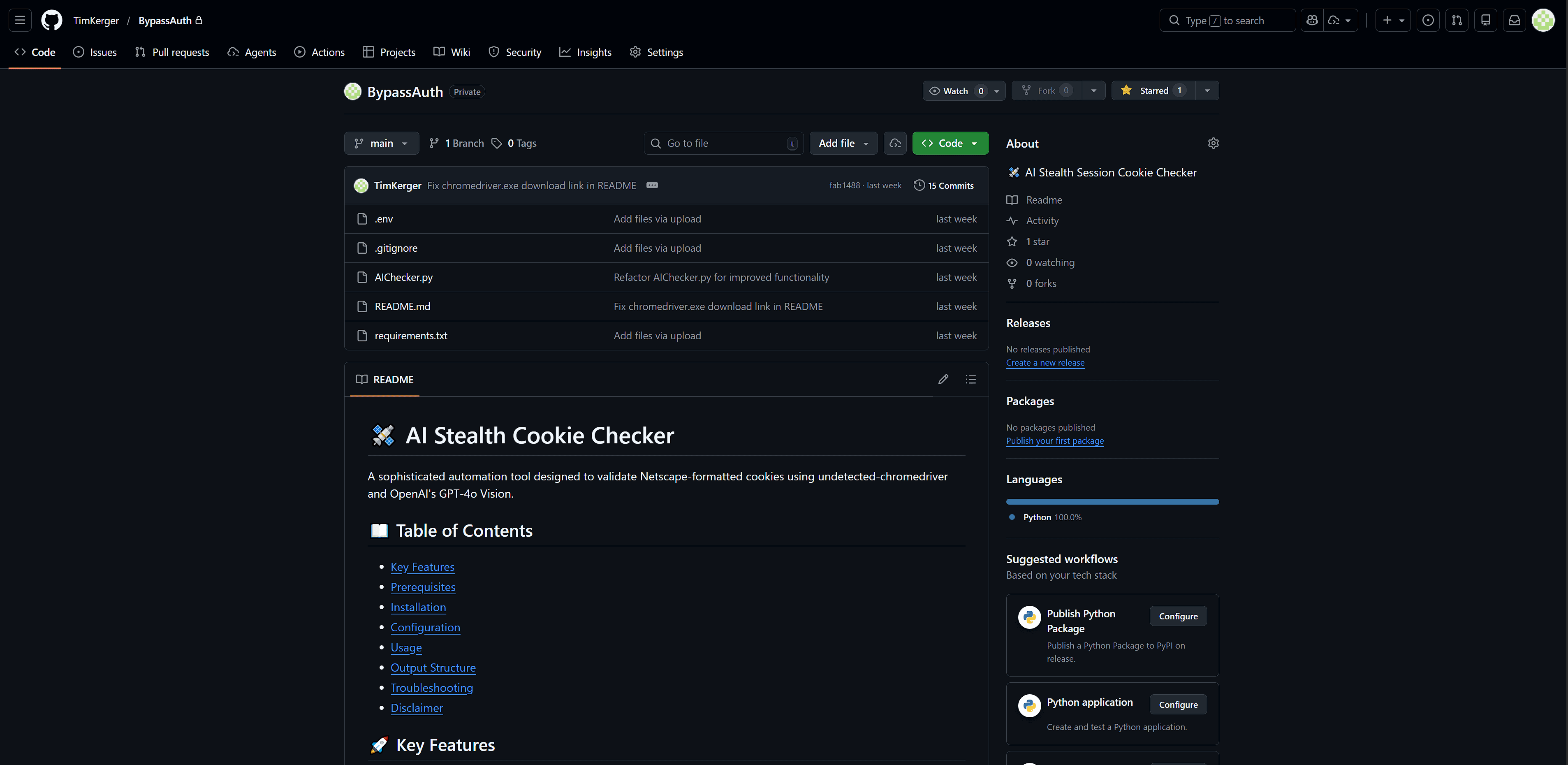
ByPassAuth is essentially an “AI stealth cookie session tester.” It’s built to take a Netscape-format cookie file, try those cookies on a list of websites in a stealth Chrome session, and then use GPT-4o vision to decide whether the page looks like you’re logged in (YES) or not logged in (NO).
Here’s what it does, step by step, in plain English:
What it’s for
You give it a cookies
.txtfile (Netscape format) and a comma-separated list of sites.It opens each site in an “undetected” Chrome browser (tries to look less like automation).
It injects any cookies from your file that match the site’s current domain.
It refreshes the page and takes a screenshot.
It sends that screenshot to OpenAI (GPT-4o) and asks: “Is the user logged in?”
It sorts the result into valid (looks logged in) or invalid (looks logged out), saving screenshots as proof.
The main pieces in your script
1) Stealth browser automation
Uses
undetected_chromedriverto launch Chrome with automation signals reduced (e.g., disablingAutomationControlled).Requires a local
chromedriver.exein the same folder, and it must match your installed Chrome version.
2) Cookie file parsing (Netscape format)
parse_netscape_cookies() reads the cookie file line-by-line and converts it into dictionaries like:
domain, path, secure flag, expiry, name, value
3) Cookie injection (domain-aware)
add_cookies_to_driver():
Looks at the browser’s actual current URL after redirects.
Only injects cookies whose cookie-domain matches the site domain (e.g.,
.google.comshould apply onmail.google.com).This is specifically meant to handle situations like
gmail.comredirecting toaccounts.google.com.
4) Screenshot → AI decision (logged in or not)
analyze_login_status():
Takes the screenshot, base64-encodes it, sends it to the OpenAI Chat Completions API.
The prompt forces a strict YES/NO based on visible UI clues like:
profile avatar
sign out button
dashboard pages
vs. login/sign-in pages
5) Output organization
It creates a timestamped folder like:
Scan_Results_YYYY-MM-DD_HH-MM-SS/valid/invalid/
For each site:
Saves the screenshot in
validorinvalid.If valid, it also copies the original cookie file into the
validfolder renamed per site.